

You MUST have an email on file with us!
Download the app-
QC Cloud for Apple
QC Cloud Members App for Google Play Store


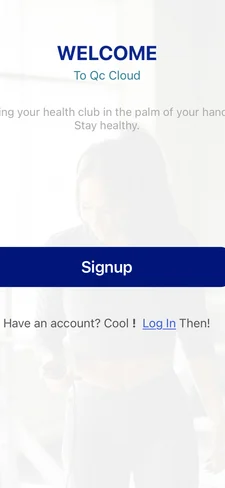
Once the app is downloaded, click “Log In”
Then click “Forgot Password?”
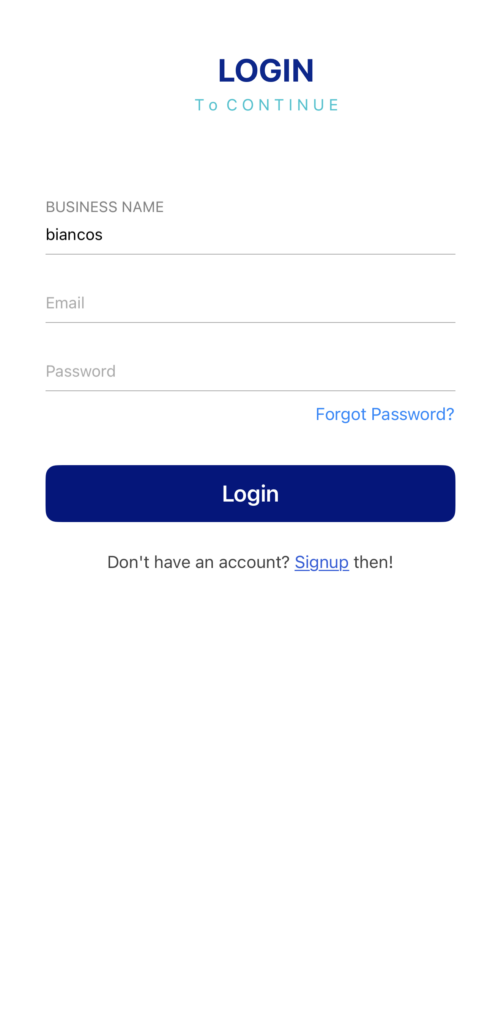
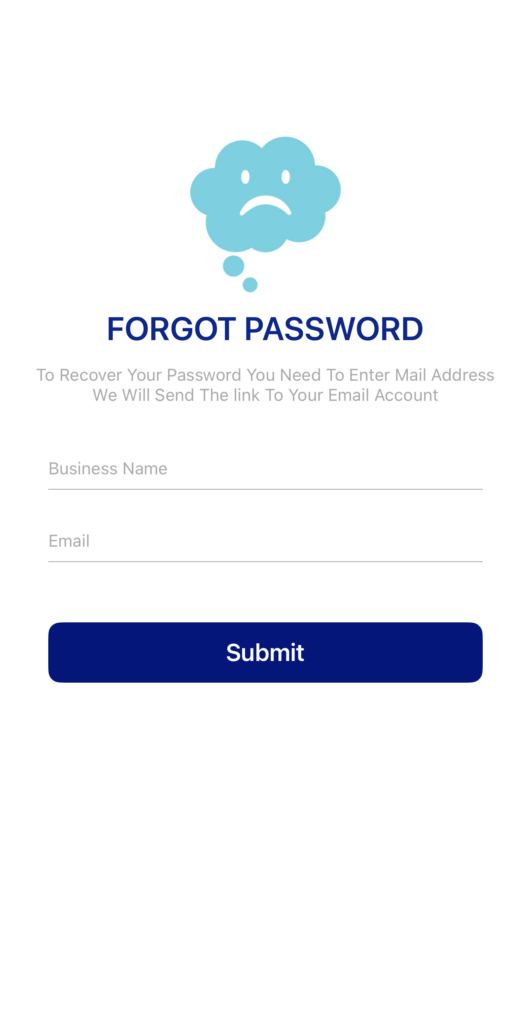
A Forgot Password screen will come up
Make sure that the Business Name is “biancos”– **(must be all lower case)**
The email will be your email on file with us
Once you click submit, a message will appear that an email was sent to proceed
You will need to check your email for the “Forgot Password Token”
Copy the Password Token from the email and paste it into “Password Token”
You can then choose a new password
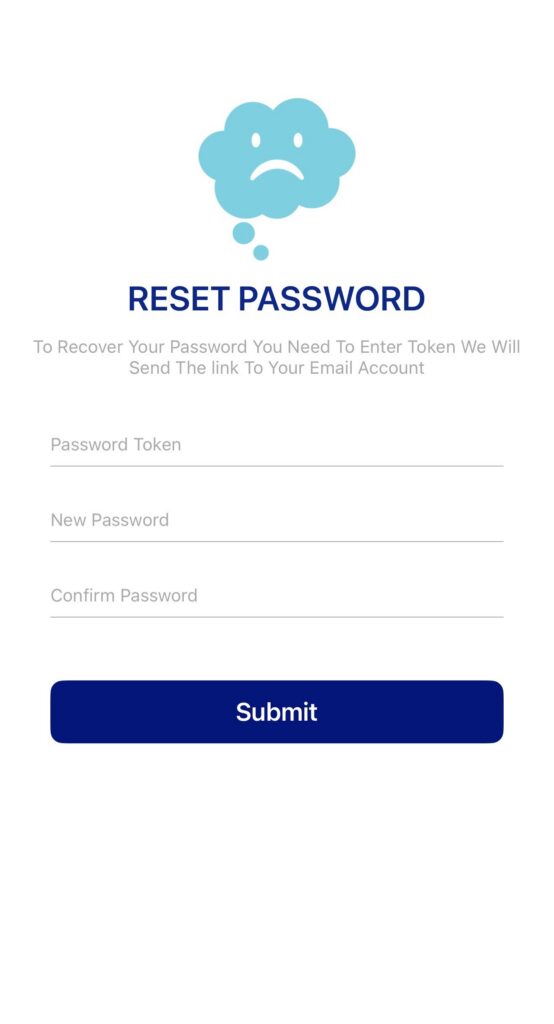
After clicking submit you can log in with your created password!