

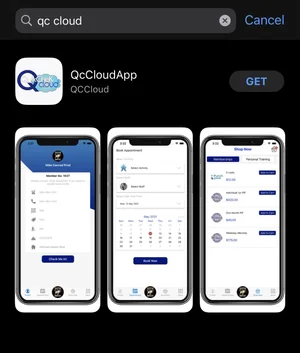
Download the app-
QC Cloud for Apple
QC Cloud Members App for Google Play Store


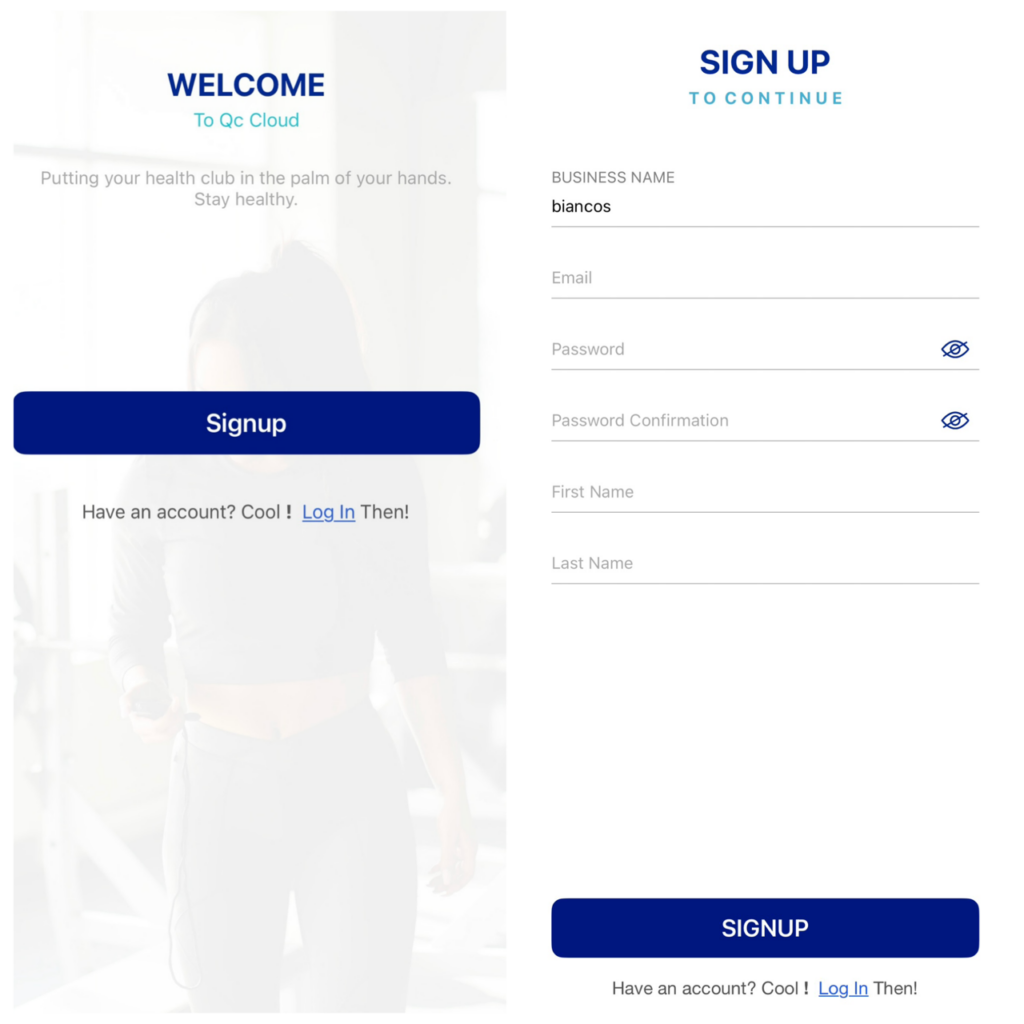
Once the app is downloaded click “Signup”
Make sure the Business Name says “biancos” – **(must be all lower case)**
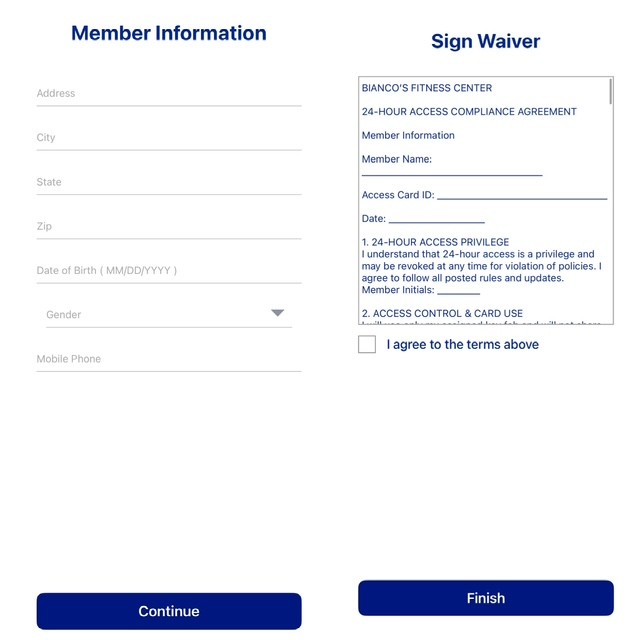
Add in all your information that it is requesting and sign the waivers
After signing the waiver it will say that signup is complete
It will then go back to the main menu to sign in
Then click the shopping basket icon that says “Shop Now” on the bottom of the screen
This will show all the memberships available for purchase
Choose the membership for purchase and click “Add to Cart”
To checkout, click the cart icon in the upper left corner